

Learn

Editing Over A Network with Final Cut Pro X
Find out how to have centralised editing over a network with Final Cut Pro X and the Pegasus 2 R4. Shows you the network setup and how to make sure it works. Source: Editing Over A Network with Final Cut
Read more ...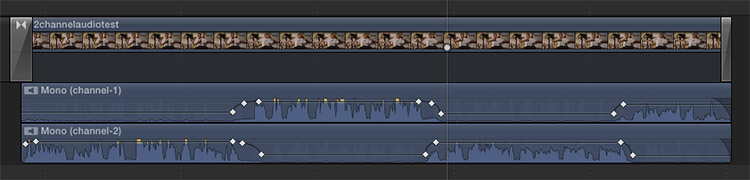
FCP X – Dual Mono Audio
Recording 2 different voices on one file has usefulness on so many levels. Use the Left and Right channels in a single stereo recording to record to record 2 voices at once. Final Cut Pro X defaults to displaying audio as
Read more ...
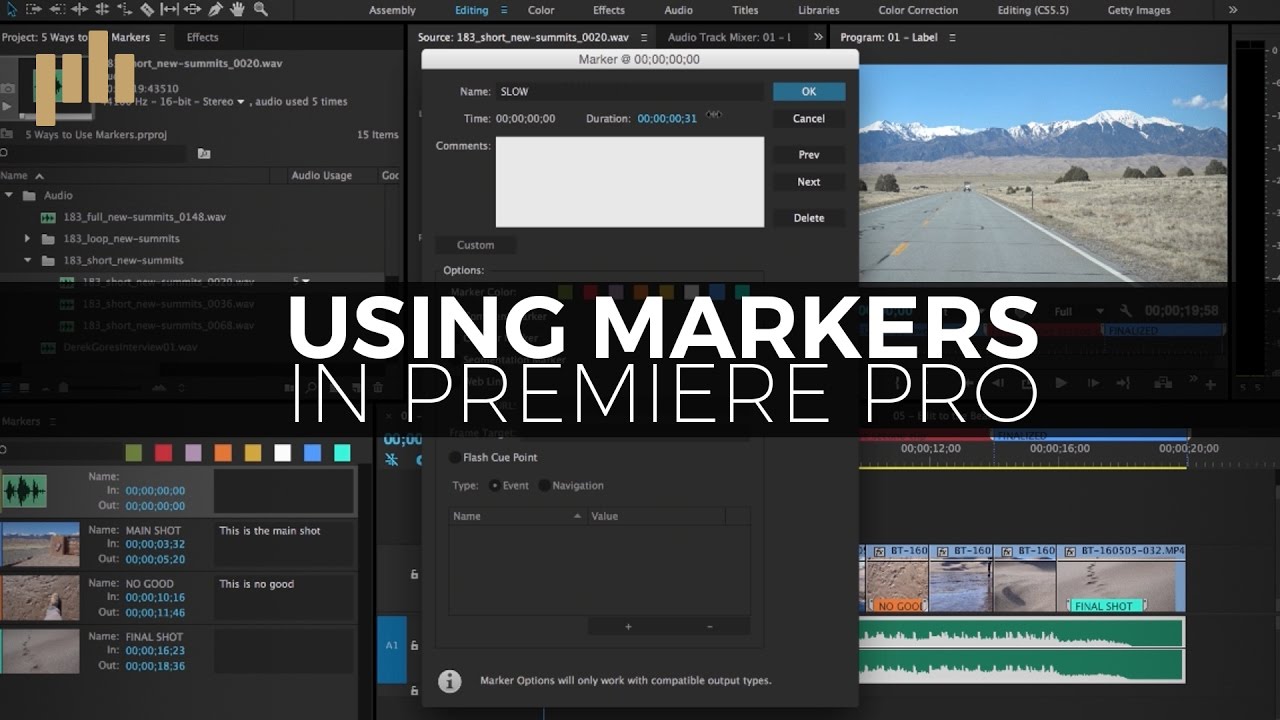
5 Ways to Use Markers in Premiere Pro
Make your video editing projects infinitely more manageable by utilising markers in Premiere Pro. Here’s how to go about it. Source: Video Tutorial: 5 Ways to Use Markers in Premiere Pro
Read more ...

TIP #9: Use a Triangle as a Composition Technique
Triangles are an underused tool of composition, and yet it is probably the most important rule of composition for shooting group photos. It will be unlikely that you could successfully shoot a group photo following the rule of thirds. Wouldn’t
Read more ...
Custom White Balance on Your DSLR
When you photograph a scene that’s illuminated with several different light sources, your camera may have difficulty figuring out how to set the white balance. You can, however, set a custom white […] Source: How to Create a Custom White Balance
Read more ...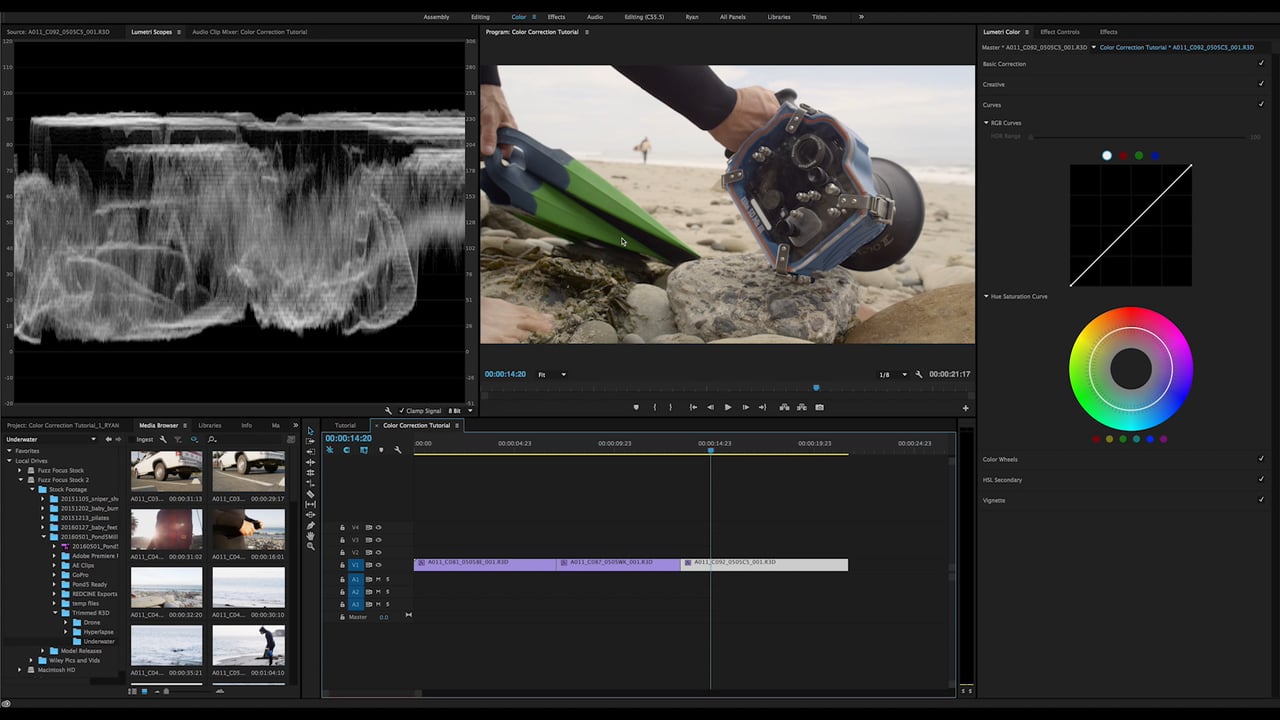
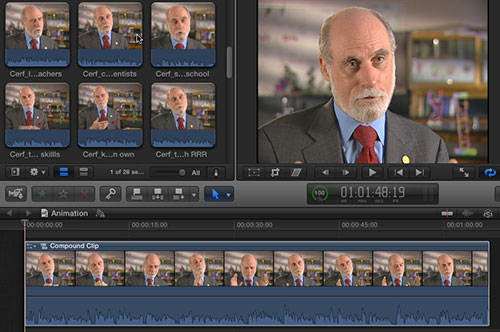
FCP X Limiter Filter
What the Limiter filter does – on an instant-by-instant basis – is raise the level of that instant of the clip by an amount you specify, provided the audio level doesn’t go over a maximum limit that you also specify.
Read more ...